Getting Started
A small language model framework for local inference and fine-tuning.
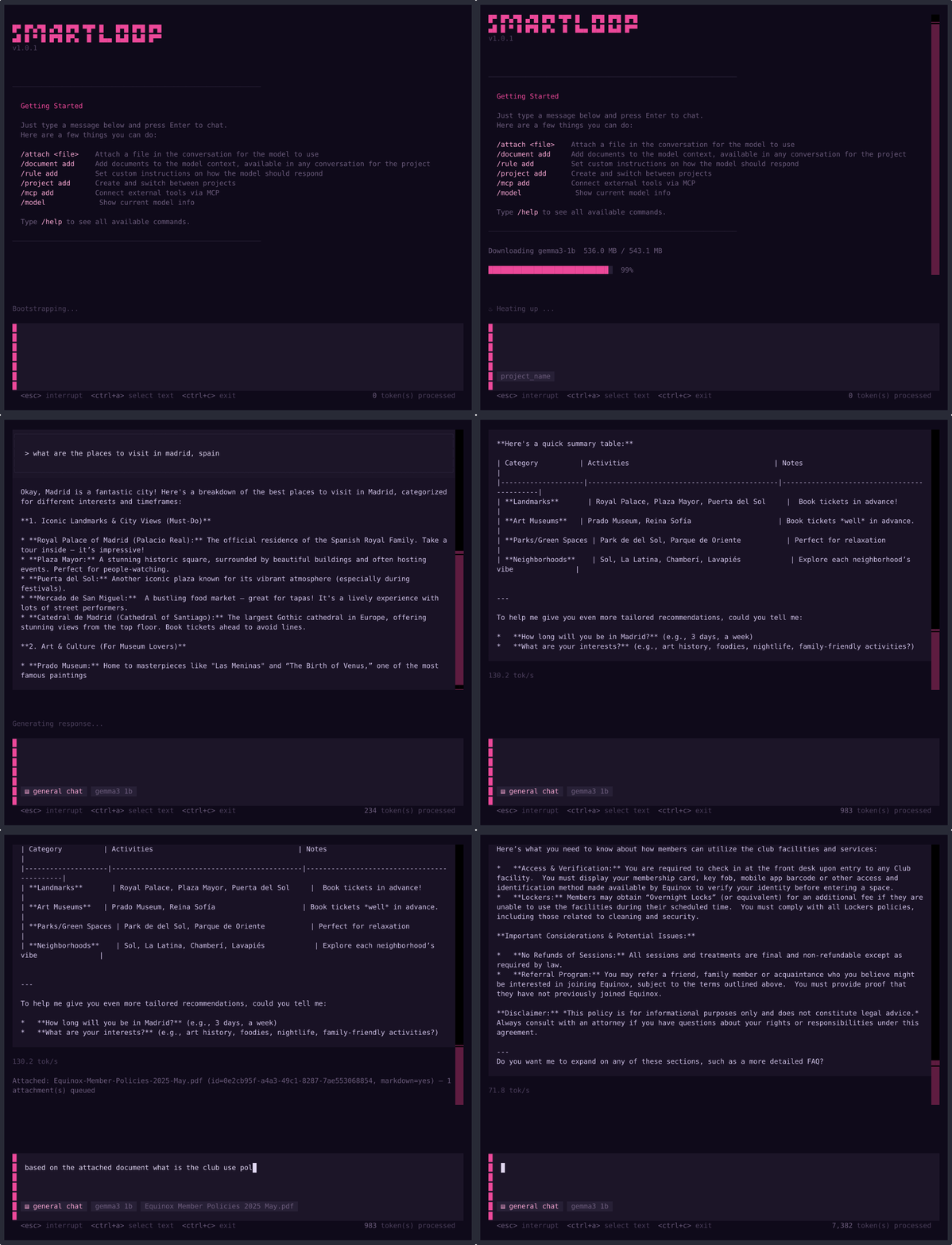
For best performance, use an Apple Silicon Mac.
Installation
Homebrew (Recommended)
If you don't have Homebrew installed, install it first:
/bin/bash -c "$(curl -fsSL https://raw.githubusercontent.com/Homebrew/install/HEAD/install.sh)"
Then install Smartloop:
brew tap smartloop-ai/smartloop
brew install smartloop
brew update && brew upgrade smartloop
Quick Install (macOS / Linux)
Alternatively, use the following curl command to install the framework. It will install the service, update the config and configure the TUI:
curl -fsSL https://smartloop.ai/install | bash
Uninstall
# If installed via curl
curl -fsSL https://smartloop.ai/uninstall | bash

# If installed via Homebrew
brew uninstall smartloop
brew untap smartloop-ai/smartloop
Configuration
Initialize a new project with your developer token:
slp init -t <developer_token>
You can obtain your access token from https://app.smartloop.ai/developer. For more on token storage, CLI/TUI token commands, and how credentials are secured, see the Credentials page.
Usage
# View available commands
slp --help
Project Management
slp projects create <name>
slp projects list
slp projects switch <name>
slp status
Add a Document
Upload a document for training:
slp add document.pdf
Prompting
Start the interactive chat:
slp run
For a non-TUI experience:
slp run --no-tui
Server Management
SLP includes a background API server compatible with OpenAI's chat completion format.
slp server start
slp server stop
slp server status
On macOS (Homebrew):
brew services start smartloop
brew services stop smartloop
On Linux/WSL (systemd user service):
systemctl --user start smartloop
systemctl --user stop smartloop
systemctl --user status smartloop
Requirements
| Requirement | Details |
|---|---|
| Platform | macOS (Apple Silicon) or Linux (x86_64) |
| Python | 3.11 or later (installed automatically) |
| CMake | Installed automatically via Homebrew |