MCP Servers
Smartloop supports the Model Context Protocol (MCP), allowing you to extend your assistant with external tools and data sources. Two types of MCP servers are supported: remote and local.
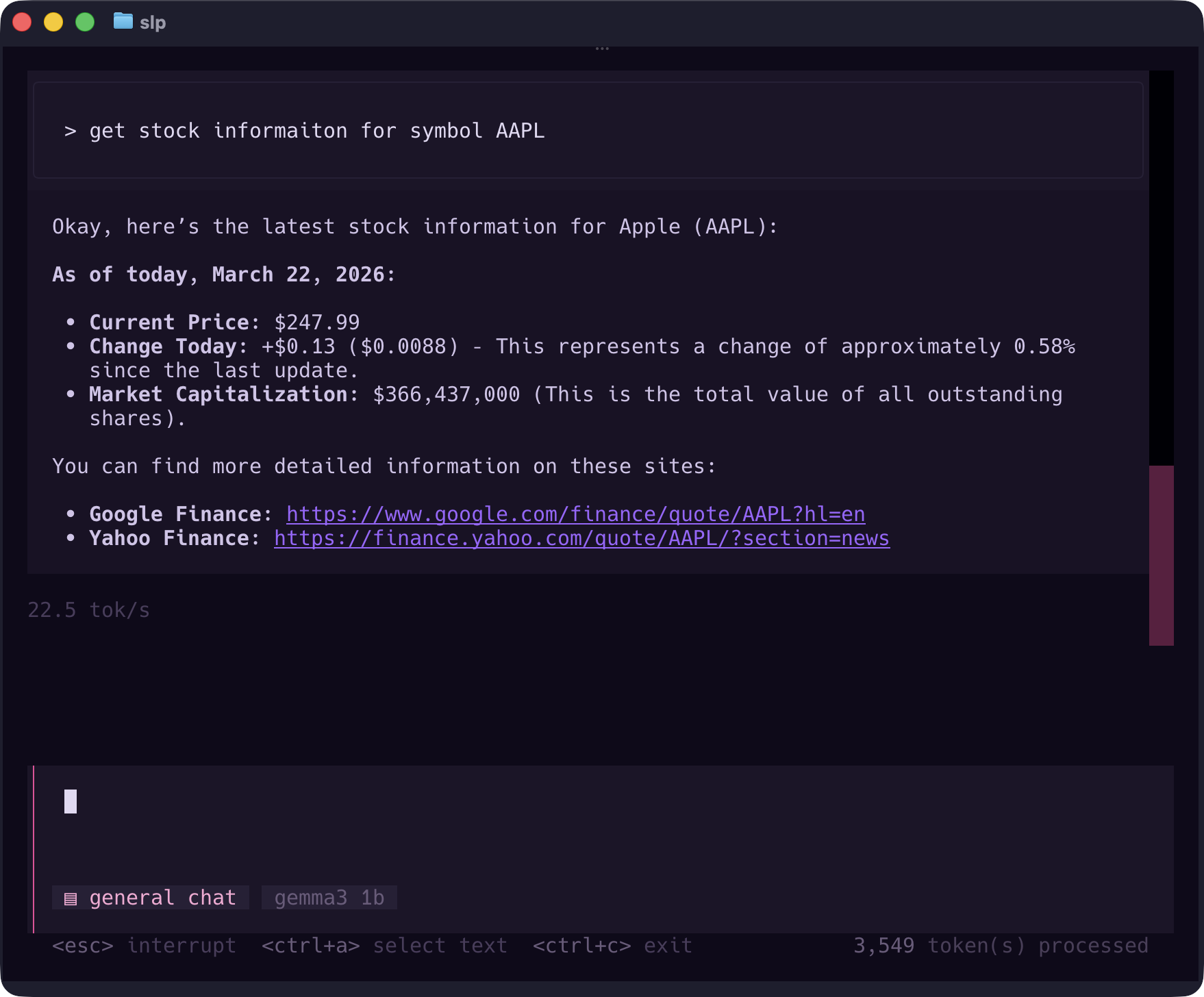
Built-in Fetch MCP
When you first install Smartloop, it comes with a built-in fetch MCP server out of the box. This server processes external links to enrich LLM output with real-world content — including web pages, articles, and YouTube transcripts.
You can learn more about the fetch MCP server at mcpservers.org.
Remote MCP Servers
Remote MCP servers are hosted externally and accessed over the network. To register a remote MCP server, use the /mcp add command from the TUI:
/mcp add https://mcp.linear.app/mcp
Smartloop automatically detects the authentication method required by the remote server, including OAuth 2.0 flows and token-based authentication.
Local MCP Servers
Local MCP servers run on your machine and are managed by the uv package manager. To register a local MCP server:
/mcp add local yahoo-finance-mcp
Managing MCP Servers
You can manage your registered MCP servers using the following commands:
| Command | Description |
|---|---|
/mcp add <url> | Register a remote MCP server |
/mcp add local <name> [args] | Register a local MCP server |
/mcp list | List registered MCP servers |
/mcp remove <#> | Remove an MCP server by index |